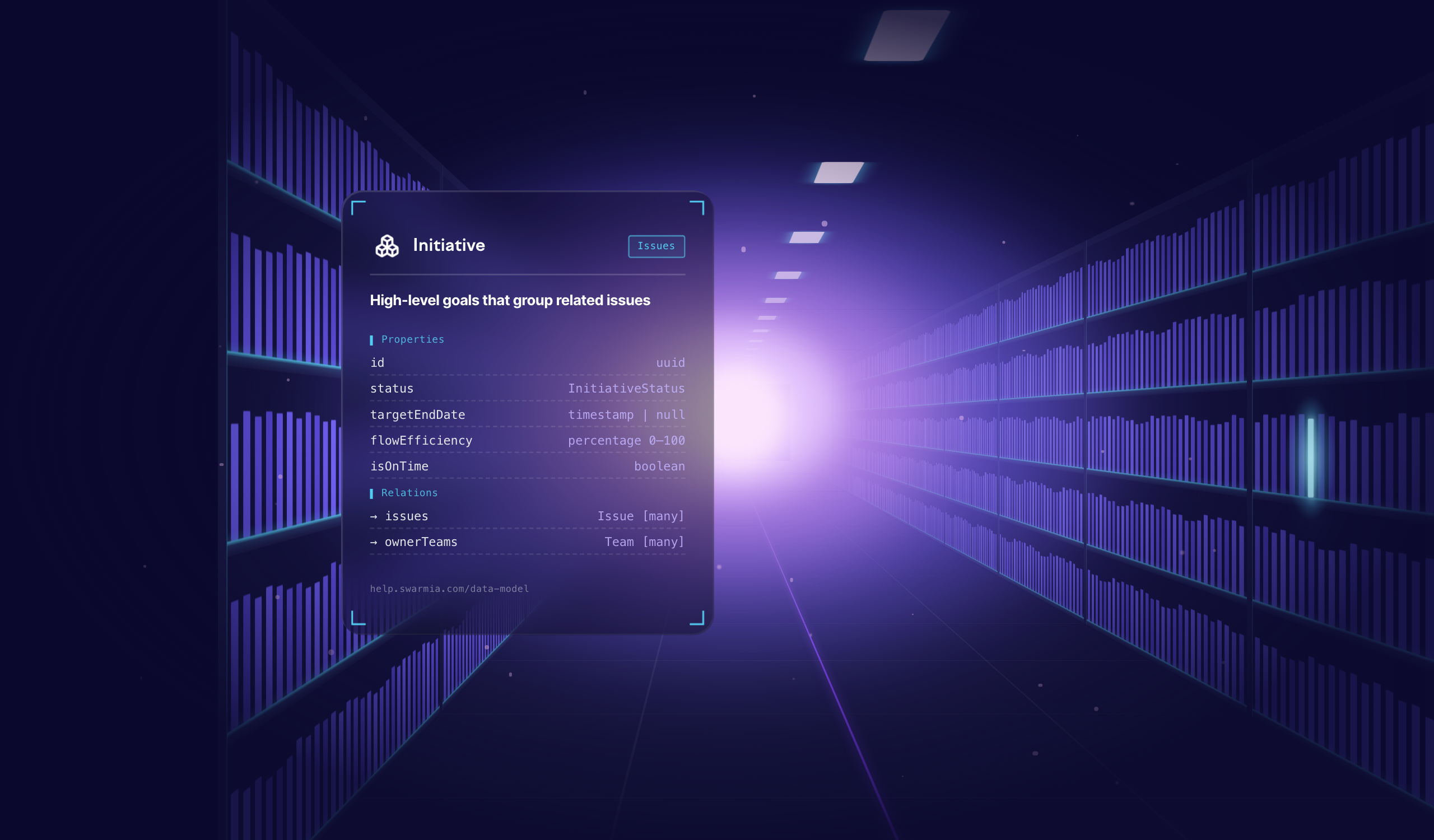
Swarmia’s data model is now publicly documented. The documentation describes the entities Swarmia uses to represent engineering data — pull requests, issues, teams, deployments, and more — along with their properties, types, relationships, and aggregates.
These are the same models behind Swarmia’s reports, APIs, AI, and MCP server, so it’s the place to check when you want to know what a field means, how a metric is defined, or whether you can report on something.
Browse by topic (code, issues, deployments and CI, AI tools, organization, investment and effort, incidents, surveys, agreements and signals, and data sync) or use the alphabetical list. Each entity page lists its properties and types, related entities and their cardinality, and any documented aggregates.
The reference is generated automatically from the entity schema, so it’s always up to date. Generally available fields are stable, beta fields can still change, and deprecated fields will be removed, so check the label before you build on one.
How you use the reference depends on where you work with Swarmia data:
- In Swarmia: Look up the fields you need before you build a report in Explore. For example, the pull request entity shows that cycle time includes draft time, defines time to first human review, and maps how a PR connects to its author, owner teams, linked issue, reviews, and deployments. If you use Swarmia AI, the reference also explains the data behind its answers.
- With the API: Use field definitions and types as a starting point when you plan an integration or investigate an export. Then check the API for what’s available there.
- With the MCP server: Ask your assistant, “What entity types are available in Swarmia?” and explore properties and relationships from there.
To get started, open the data model documentation and pick a topic or entity. For programmatic use, see the Swarmia API docs or the MCP setup guide.